TIPInstall before you fly. Your plan only starts when it first connects at your destination.

An international eSIM that's online the moment you land

You land.
You're already online.

Install a kimsim before you fly. When you land, your phone joins a real local network, so maps, taxis and messages home just work.

  • Plan starts on first connection
  • Keep your WhatsApp number
  • Apple Pay and Google Pay
201countries, plus 11 regional plans
30 dayson every data pack, whatever your trip length
180 daysto install. Your plan clock starts when you land.
5Gon networks like NTT docomo, EE, Verizon, Orange
How it works

Three steps. All before you board.

No shop, no SIM tray, no pin. kimsim is data only. Your home SIM stays in your phone, so your own number keeps working (your carrier's rates apply).

  1. 01

    Pick your trip

    Search a country or region and choose your data. You see the networks you'll use before you pay.

  2. 02

    Install in two minutes

    Tap install on iPhone, or scan the QR code. Do it at home on Wi-Fi, any time up to 180 days before you go.

  3. 03

    Land and you're on

    Switch kimsim on for data when you land. Your plan starts on first connection, not on purchase.

The landing

Never a moment disconnected.

Most travel data starts working after you've hunted for Wi-Fi. kimsim is set up at home, so the first minutes of your trip go like this.

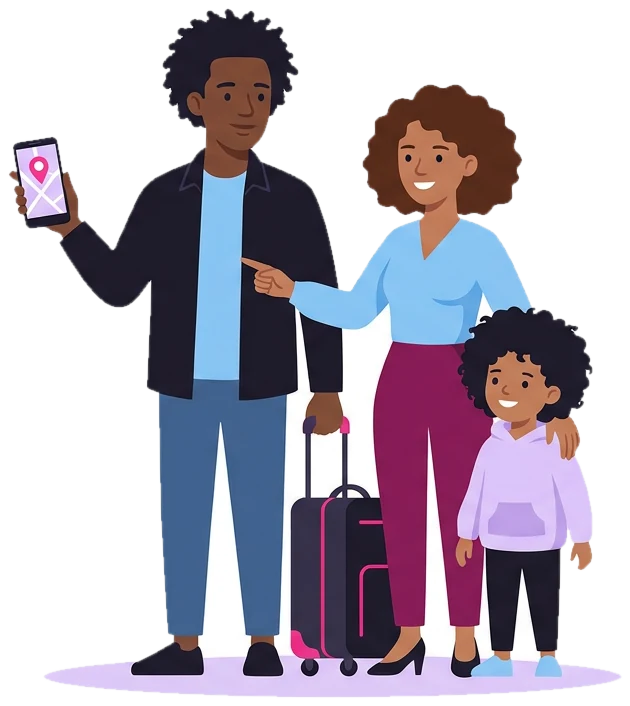
  1. Booking an airport taxi…A family at airport arrivals, the father holding up a phone with a map pin

    +0:05 · ARRIVALS

    Maps up before the bags arrive

    Directions, ride apps and hotel check-in, straight from the gate. No airport Wi-Fi login.

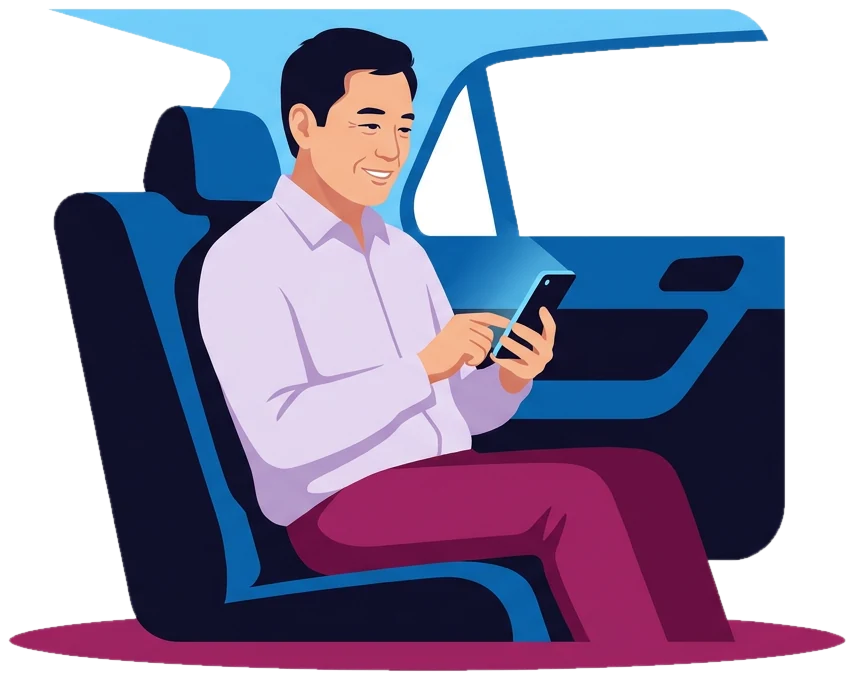
  2. Landed! See you at 8 ♥A man in the back of a taxi, smiling as he types a message

    +0:40 · THE TAXI

    Message home on the way in

    WhatsApp, iMessage and email work as normal over data, on the same WhatsApp number as at home.

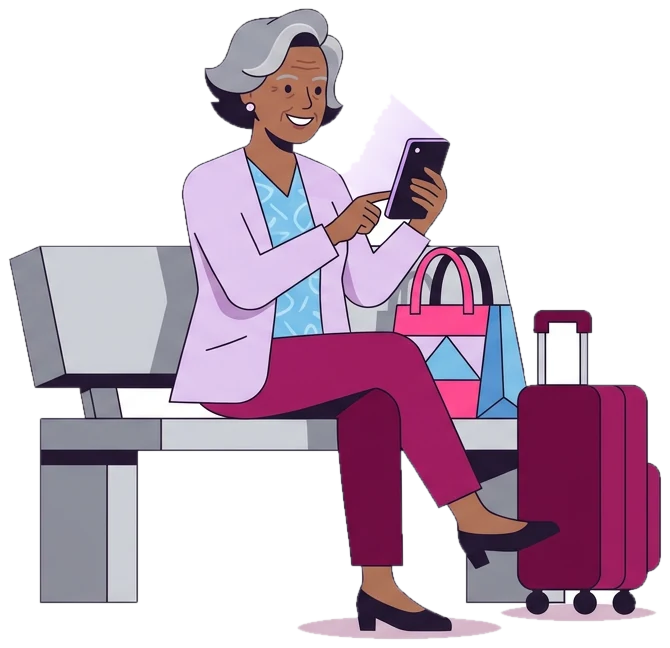
  3. Platform changed to 4A grey-haired woman on a station bench checking her phone beside her suitcase

    DAY 2 · THE STATION

    Live updates, wherever you are

    Tickets, platform changes and translation, on a named local network.

  4. Video call · 12:04Two friends on a beach towel laughing on a video call

    DAY 6 · THE BEACH

    Running low? Top up in seconds

    Add data from My eSIMs with Apple Pay or Google Pay. Same eSIM, no reinstall, no new QR code.

Without it

  • Hunting for airport Wi-Fi
  • A queue at the SIM kiosk
  • Or a roaming bill when you get home

With kimsim

  • Online when you land
  • A real local network, named before you buy
  • A fixed price, paid up front
Why kimsim

No surprises, just signal.

The bits other providers bury in the small print, up front.

Real network names, before you pay

Not “local partner network”. In Japan that's:

NTT DOCOMO 5G
A hiker with a pink backpack holding his phone up to take a photo

Top up the same eSIM

Add data from My eSIMs onto the eSIM you already have. Nothing to reinstall.

Apple Pay and Google Pay

Checkout in one tap. Prices in US dollars, paid once, no subscription.

Clock starts when you land

Buy weeks early. Your days only count from the first connection at your destination.

Compatibility

Will my phone work?

Most phones from the last few years support eSIM. Check yours in five seconds, or see the full device list.

Check your device

Pick your brand, then type your model.

TIPStart typing your model. Carrier-locked phones, and some sold in certain countries, may differ.

The 10-second test

Works on any phone, any brand.

  1. Open your phone's dialler.
  2. Type *#06#.
  3. If you see a number labelled EID, your phone supports eSIM.
  4. Also check your phone is carrier-unlocked. Your carrier can confirm this.

How an international eSIM works

An international eSIM is a digital SIM you download to your phone before you travel, so you have mobile data the moment your plane lands. kimsim has data plans for more than 200 countries, plus regional plans for trips that cross borders. There's no plastic card and no SIM tray: the eSIM sits next to your regular SIM as a second line, and you switch your cellular data to it when you arrive.

How an international eSIM works

  1. Pick your destination and plan. Every destination page names the local networks you'll connect to before you pay. Pay with Apple Pay, Google Pay or card.
  2. Get your eSIM by email within minutes. Install it at home on Wi-Fi, any time up to 180 days before you go.
  3. Land and switch it on. Your plan starts when the eSIM first connects to a network at your destination, not when you buy or install it. So your days aren't used up while you're still packing.

Running low later? Top up the same eSIM from My eSIMs, with Apple Pay or Google Pay. No new QR code, nothing to reinstall.

Travel eSIM, local SIM card or roaming?

There are three common ways to get data abroad, and each has its place.

  • Roaming on your home plan. Nothing to set up, but you pay whatever your carrier charges for that country, often a daily fee or a price per megabyte. Check your carrier's rates for your destination before you go.
  • A local SIM card. You buy it after you land, at an airport kiosk or a shop, and swap it into your phone. Your home number goes offline while the local card is in, and your phone has to be unlocked.
  • A travel eSIM. You set it up at home, it connects to a real local network on arrival, and your home SIM stays in your phone. The price is fixed and paid up front, so there's no bill waiting when you get home.

Choosing your international eSIM plan

  • Data packs give you a set amount of data, valid for 30 days, whatever your trip length. Good if you mostly need maps, messages and some browsing.
  • Unlimited gives you a fresh full-speed allowance every day. After it's used, you stay connected at 1 Mbps until the next day starts: enough for maps, chats and music, but not for HD video. You pick how many days you need. How Unlimited works.
  • Regional plans cover several countries on one eSIM, such as Europe or Asia. Check that every country on your trip, including stopovers where you'll want data, is on the plan's list. Visiting more than one country?

Not sure how much you need? Many travelers use around 3 to 7 GB a week. Video calls and hotspot use take much more. Which plan size do I need?

Phones that work with an eSIM

Two things have to be true: your phone supports eSIM, and it's carrier-unlocked. Dial *#06#. If you see a number labeled EID, your phone supports eSIM. As a rough guide, iPhone XS or newer, Pixel 3 or newer and Galaxy S20 or newer all work, though it varies by model and by the country the phone was sold in. Check your phone in a few seconds. If your phone came with a contract or an installment plan, ask your carrier whether it's unlocked.

Setting up your international eSIM before you fly

Install the eSIM at home, on Wi-Fi, a few days before your trip:

Keep your usual line for data until you land. When you arrive, make kimsim your cellular data line and turn on Data Roaming for the kimsim line only. The phone treats it as a visitor on the local network, so without that switch it won't connect. You won't be charged roaming, because kimsim is prepaid. Leave Data Roaming off on your home line, since that's the one your carrier bills. Turn on Data Roaming (and why it matters).

WhatsApp, calls and your own number

kimsim is data only: you don't get a new phone number. That usually doesn't matter. WhatsApp, iMessage, FaceTime and other messaging apps keep using your usual number over kimsim data, and you don't need to re-verify anything. Your home SIM can stay on for normal calls and texts, like bank security codes, at your carrier's rates. One thing to know: in the United Arab Emirates and Saudi Arabia, WhatsApp voice and video calls are restricted, though messages work. Will WhatsApp and iMessage keep working?

Popular international eSIM destinations

These are the trips travelers buy for most. Each page lists the networks, the plans and what's different about staying online there:

Going somewhere else? Search any of our 200+ countries in destinations.
FAQ

Good questions.

Everything else is in the help pages.

All questions
How does an international eSIM work?

You buy a data plan for your destination, and the eSIM arrives by email within minutes. You install it at home on Wi-Fi, then switch your cellular data to it when you land. The plan starts when it first connects to a network at your destination, not when you buy or install it.

Does my phone support eSIM?

Your phone needs to support eSIM and be carrier-unlocked. Dial *#06#: if you see a number labeled EID, it supports eSIM. As a rough guide, iPhone XS or newer, Pixel 3 or newer and Galaxy S20 or newer work. Check your model on our phone check page.

Can I keep my phone number with an international eSIM?

Yes. kimsim is data only, so your regular SIM stays in your phone and your number keeps working for calls and texts at your carrier's rates. WhatsApp, iMessage and FaceTime keep using your usual number over kimsim data, with nothing to re-verify.

Does an international eSIM include calls and texts?

Not with kimsim. Our plans are data only, with no phone number. You can call and message over data with apps like WhatsApp and FaceTime, and your home line can stay on for normal calls and texts, such as bank codes.

Is an international eSIM cheaper than my carrier's roaming?

It depends on your carrier and your trip. Roaming is billed by your home carrier, often as a daily fee or per megabyte, while a kimsim plan has a fixed price paid up front. Check your carrier's roaming rates for your destination and compare them with the plan price on our destination page.

How much data do I need for an international trip?

Many travelers use around 3 to 7 GB a week for maps, messages and some social media. Video, video calls and using your phone as a hotspot use much more. If you run low, you can top up the same eSIM from My eSIMs with nothing to reinstall.

Can I use one eSIM in several countries?

Yes, with a regional plan, such as Europe or Asia. One eSIM covers every country on the plan's list. Check that every country on your trip is on that list before you buy, because a country that isn't listed won't work, even next door.

Is there an unlimited international eSIM?

Many destinations have kimsim Unlimited: you get a daily allowance at full speed, then you stay connected at 1 Mbps until the next day starts. That's fine for maps, messages and music, but not for HD video. You pick how many days you need.

When should I install my eSIM?

Install it at home on Wi-Fi, any time up to 180 days before your trip. Installing doesn't start the plan. When you land, turn on Data Roaming for the kimsim line, and it connects to a local network.

What if my eSIM doesn't work?

Talk to us: a person checks the eSIM with the network and works through it with you. If you've tried to install it and support still can't get it working, we refund it in full. That's the only case in which we give refunds.